Free · no ads · for every mosque
Prayer times for the mosque TV
Turn any TV in your mosque into a clear prayer times screen: the time now, the countdown to the next prayer and all the prayers of the day — large enough to read from the back row.
What it is
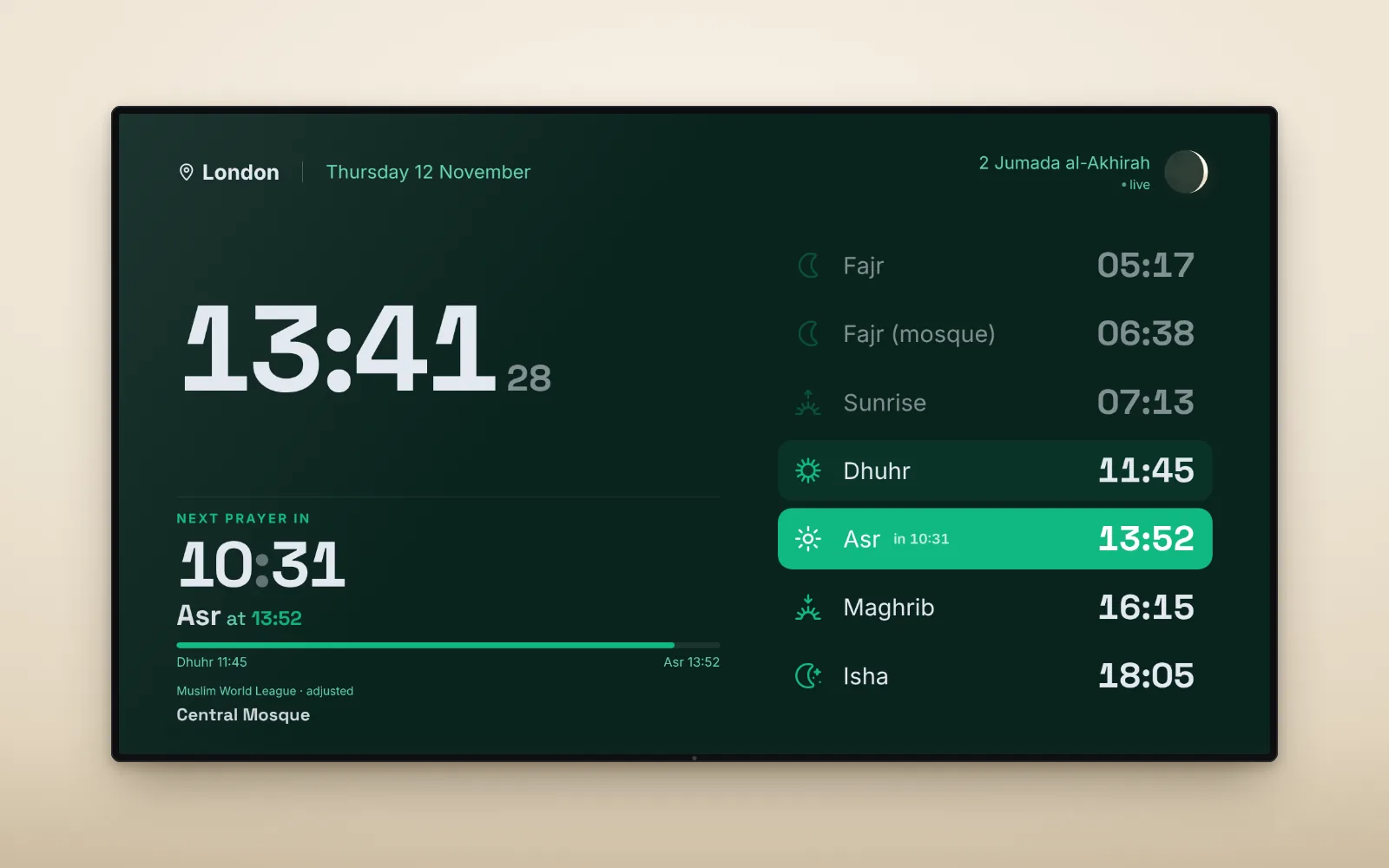
The prayer times module from our home page, opened over the whole screen and laid out for a TV. It runs by itself all day: the clock ticks, the next prayer is counted down and highlighted, and the times change at midnight for the new day.
Landscape or upright
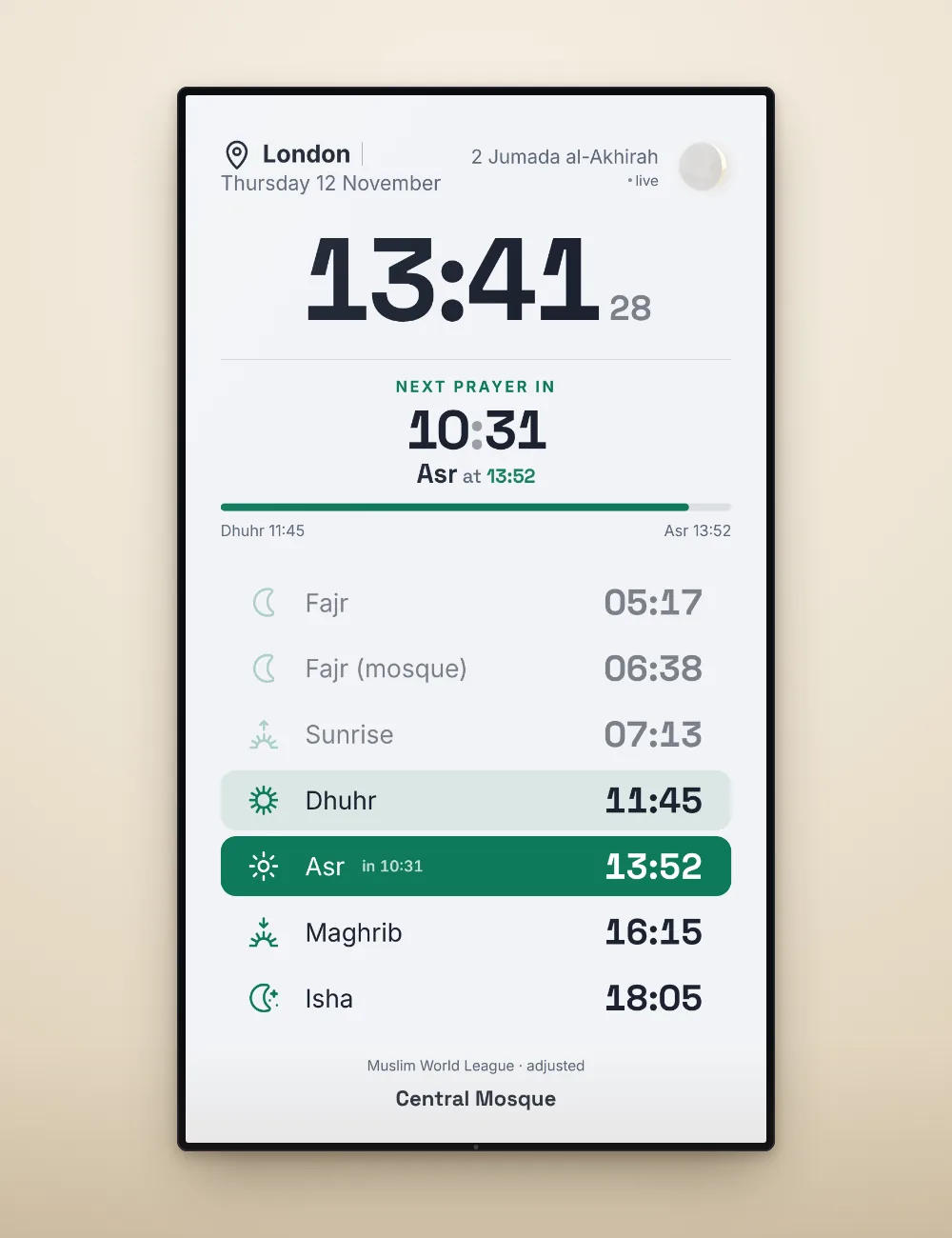
Many mosques hang the TV upright. The view arranges itself to the shape of the screen: side by side on a landscape TV, one tall column on an upright one. If the TV hangs upright but its picture stays landscape, one press of “Rotate” turns the view by 90°.
Everything the mosque needs
Accurate for your place
7,000+ cities and your exact location, with the calculation method of your country — in Bosnia and Herzegovina the official vaktija of the Islamic Community.
Your mosque’s own times
Signed in, a mosque sets its own adjustments: a few minutes more or less for any prayer, Dhuhr at a fixed time (winter and summer) and the time of its congregational Fajr prayer.
The mosque’s name on screen
Sign in with an account named after the mosque — “Central Mosque” — and its name appears at the bottom of the screen.
Large and easy to read
A large clock, the countdown to the next prayer, the bar of the time remaining and all the prayers — sized to the screen, from a small monitor to a large TV.
Light or dark
Four themes — White, Sepia, Dark green and Dark blue. On a TV the dark themes are calm and easy on the eyes.
10 languages
English, Bosnian, German, French, Turkish, Indonesian, Arabic, Urdu, Persian and Bengali — right-to-left languages included.
The screen stays on
While the view is open the browser keeps the screen awake, on browsers that support it. The mouse pointer and the buttons hide by themselves.
Free, without ads
No subscription, no ads and nothing to install — a TV with a browser, or a small computer connected to it, is enough.
How to set it up
- Create an account for the mosqueUse the mosque’s name as the account name — it will appear on the screen. An account is needed only for the mosque’s own adjustments and its name.
- Set the place and the timesIn Settings choose the location and the calculation method, then under “Adjust the prayer times” set the minutes, a fixed Dhuhr and the congregational Fajr. Pick the theme too. Adjust the prayer times →
- Open the TV viewOn the home page press the full-screen button in the top corner of the prayer times module, or open the direct link below.
- Leave it runningOn a TV with a browser, or a small computer (mini PC, TV stick) connected to it, open the page and leave it on. Esc or “Close” returns to the normal page.
A direct link for the screen
This address opens the TV view at once — handy for a device that starts the browser by itself. In kiosk mode or after F11 it fills the whole screen.
https://prayertime.live/?tv=1Frequently asked questions
Is the mosque TV view free?
Yes, completely: no subscription, no ads and no limits. It is part of PrayerTime Live.
What do I need for it?
A TV with a web browser, or any small computer, TV stick or old laptop connected to the TV, and an internet connection.
Can our mosque show its own prayer times?
Yes. Sign in, open Settings and under “Adjust the prayer times” add or take away minutes for any prayer, set Dhuhr at a fixed time for winter and summer, and add the time of the congregational Fajr prayer.
Our TV hangs upright. Will it work?
Yes. The view lays itself out in one column on an upright screen. If the picture of the TV stays landscape, press “Rotate” once to turn it by 90°.
Which prayer times are used?
Those of your location, with the calculation method of your country, which you can change. In Bosnia and Herzegovina it is the official vaktija of the Islamic Community.
Does the screen switch off by itself?
While the view is open the page asks the browser to keep the screen awake. Check also the sleep settings of the TV or the computer.
Ready for your mosque’s screen
Open the view now and see how it looks — and sign in to give it your mosque’s name and times.